
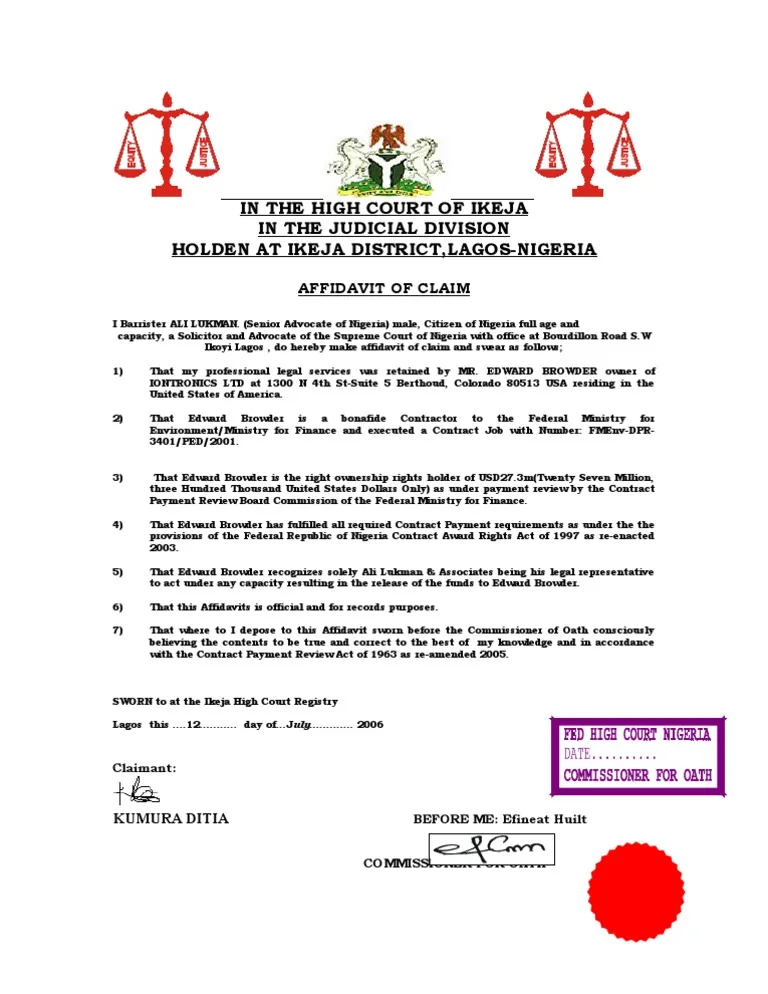
The Federal High Court of Nigeria has an E-Affidavit Client Portal that allows members of the public and legal practitioners to process affidavits online.
Through the portal, applicants can submit affidavit requests, provide the required information, make payments, track an application and access completed affidavits electronically. The Federal High Court says the system was introduced to make the affidavit deposition process easier and reduce the need for applicants to start the process with a physical visit to the court.
If you need an affidavit for a change of name, loss of a document, declaration of age or another purpose, here is how to start the process online.
Federal High Court Affidavit Portal
The official E-Affidavit portal is: Federal High Court E-Affidavit Portal : https://portal.fhc.gov.ng
The Federal High Court identifies portal.fhc.gov.ng as its e-Affidavit and Electronic Court Management System portal.
Always check that you are using the official Federal High Court website before entering personal information or making a payment.
How to Register for Federal High Court Affidavit Online
1. Open the official portal
Go to the Federal High Court E-Affidavit portal and select the option to register a new account.
You will need to provide the information requested on the registration page.
2. Create and verify your account
Complete the registration process and follow the instructions provided by the portal to verify your account.
After verification, log in with your registered details.
The Federal High Court requires users to keep their account information secure and to provide accurate information when using the platform.
3. Complete your profile
After logging in, check your profile and provide the personal information required by the portal.
Enter your details carefully, especially your full name and other information that will appear on the affidavit.
The court’s privacy policy states that personal information is collected to process affidavit applications and verify applicants’ identities.
If the portal asks you to upload an identification document or other supporting document, make sure the document is clear and the details match the information you entered.
4. Start a new affidavit application
From your account dashboard, select the option to begin a new affidavit application.
The portal allows applicants to fill in affidavit details electronically. The Federal High Court also states that the system can support the use of templates or uploaded pre-drafted documents, depending on the application.
Select the type of affidavit you need and follow the instructions displayed on the portal.
5. Provide the required information
Enter the details requested for the affidavit.
For example, if you are applying for an affidavit relating to a name change, make sure the names and other information are entered exactly as they should appear on the document.
Do not rush this stage. Check your information before moving to payment or submission because an error in your personal details can affect the document you receive.
6. Pay the required fee
After providing the required information, proceed with the payment process shown on the portal.
The Federal High Court says its E-Affidavit platform has an integrated payment system for affidavit fees.
Review the details of your application before making payment.
7. Submit the application
After completing the required steps and payment, submit the affidavit application through the portal.
The application is then subject to the court’s processing and verification procedures.
The portal provides application tracking, allowing users to monitor the progress of their requests.
Do You Need to Visit the Federal High Court?
Not necessarily.
The E-Affidavit system was created to allow applicants to submit affidavit requests online. However, completing the application does not automatically mean that every applicant will complete the entire process without any further verification.
The Federal High Court says the process can include verification and scheduling for oath-taking. Depending on the judicial division, the deponent may be required to take the oath physically at the court or complete the process virtually.
This means you should follow the instructions attached to your particular application after submission.
How to Download Federal High Court Affidavit
After your application has been processed and the affidavit has been completed, log in to your account on the official E-Affidavit portal.
Go to the relevant application or document section and check whether your completed affidavit is available.
The Federal High Court says completed affidavits are made available electronically through the platform. Its published information also states that the system supports digitally signed and stamped affidavits, including a QR code for verification.
Where the download option is available, select it to save the completed affidavit to your phone or computer.
Keep the original electronic copy in a safe place. If you print the document for submission to an organization or government agency, make sure the document remains clear and all verification features are visible.
What Can You Use a Federal High Court Affidavit For?
The appropriate affidavit depends on what you need it for.
Examples include:
- Change of name
- Loss of documents
- Declaration of age
- Correction of personal information
- Next-of-kin declarations
- Other administrative or legal purposes
- Affidavits required as part of court proceedings
For a court case, the affidavit required will depend on the nature of the case and the applicable court procedure. If you are unsure which affidavit to use, confirm the requirement with the lawyer handling your matter or the relevant court division.
What to Check Before Submitting Your Affidavit
Before submitting an application, check the following:
- Your full name is correctly entered.
- Dates and other personal information are accurate.
- You selected the correct affidavit type.
- Uploaded documents are clear and readable.
- The information in your supporting documents matches your application.
- You have reviewed the application before making payment.
- Your email address and phone number are correct where requested.
- You keep your portal login details private.
The Federal High Court’s terms also require users to provide accurate information and protect their account credentials.
Federal High Court Affidavit Online: Important Note
The E-Affidavit portal makes it possible to begin and manage the affidavit process online, but applicants should not assume that every affidavit follows exactly the same procedure.
The court’s published FAQ specifically states that verification and oath-taking arrangements can vary by judicial division.
If your application requires an appointment, physical appearance or virtual oath-taking, follow the instruction provided by the court through the portal.
For technical or court-related enquiries, the Federal High Court lists info@fhc.gov.ng and +234 807 460 1579 on its official contact page.
Federal High Court E-Affidavit Portal
You can start the process through the official Federal High Court portal: Open the Federal High Court E-Affidavit Portal
The Federal High Court also provides information about the E-Affidavit service on its official website.
???? Stay Empowered with ZOEEB
Join our community for daily updates on jobs, skills, and financial growth opportunities.